KeystoneMCP is a local-first production-context and project-management MCP server that gives creative assistants persistent project memory.
KeystoneMCP is currently free to claim for indie users, freelancers, students, and businesses earning less than $150,000 USD in annual gross revenue. Eligible users who claim it during the launch period can keep that version permanently. It will move to a low-cost Indie tier in roughly one month.
Download KeystoneMCP
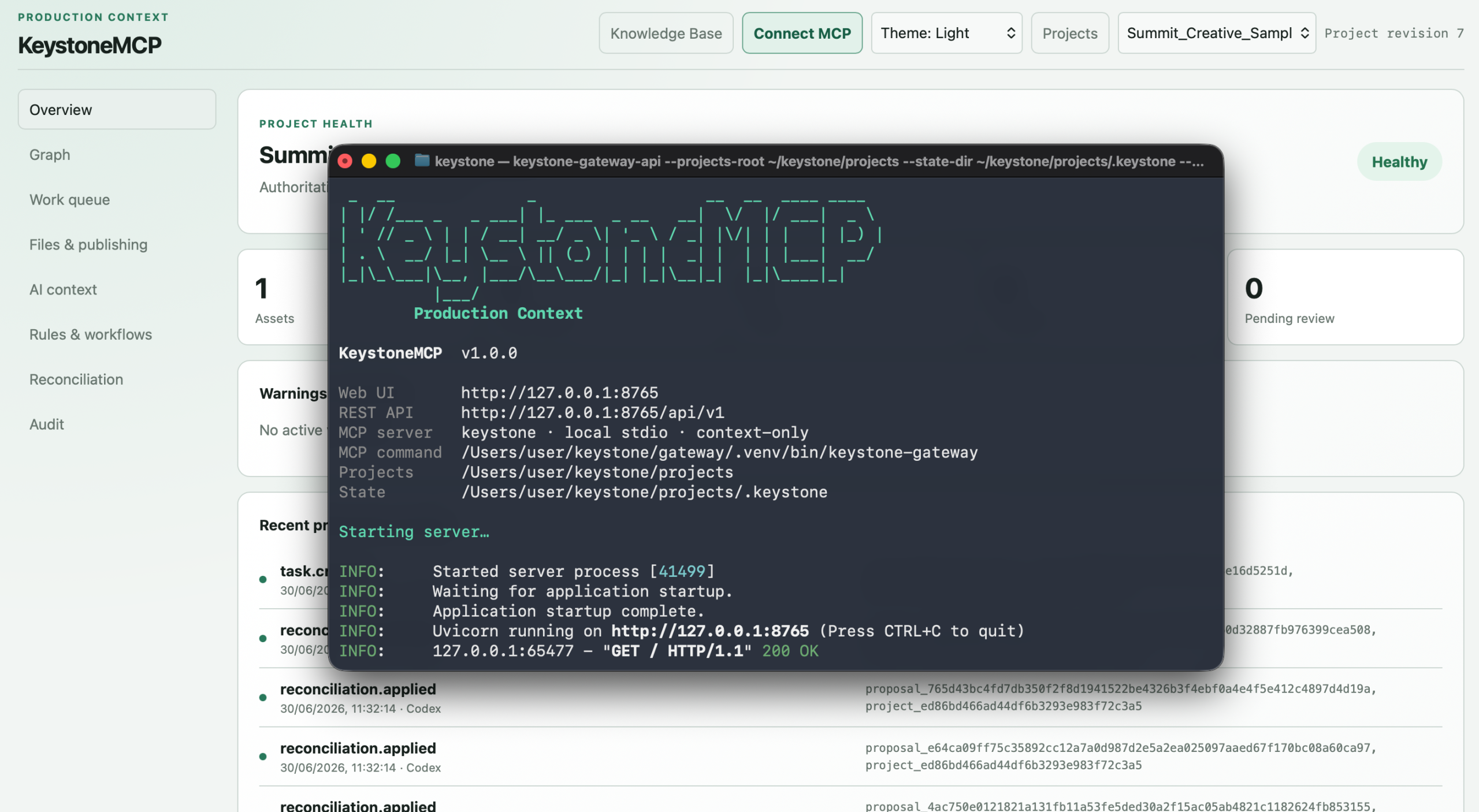
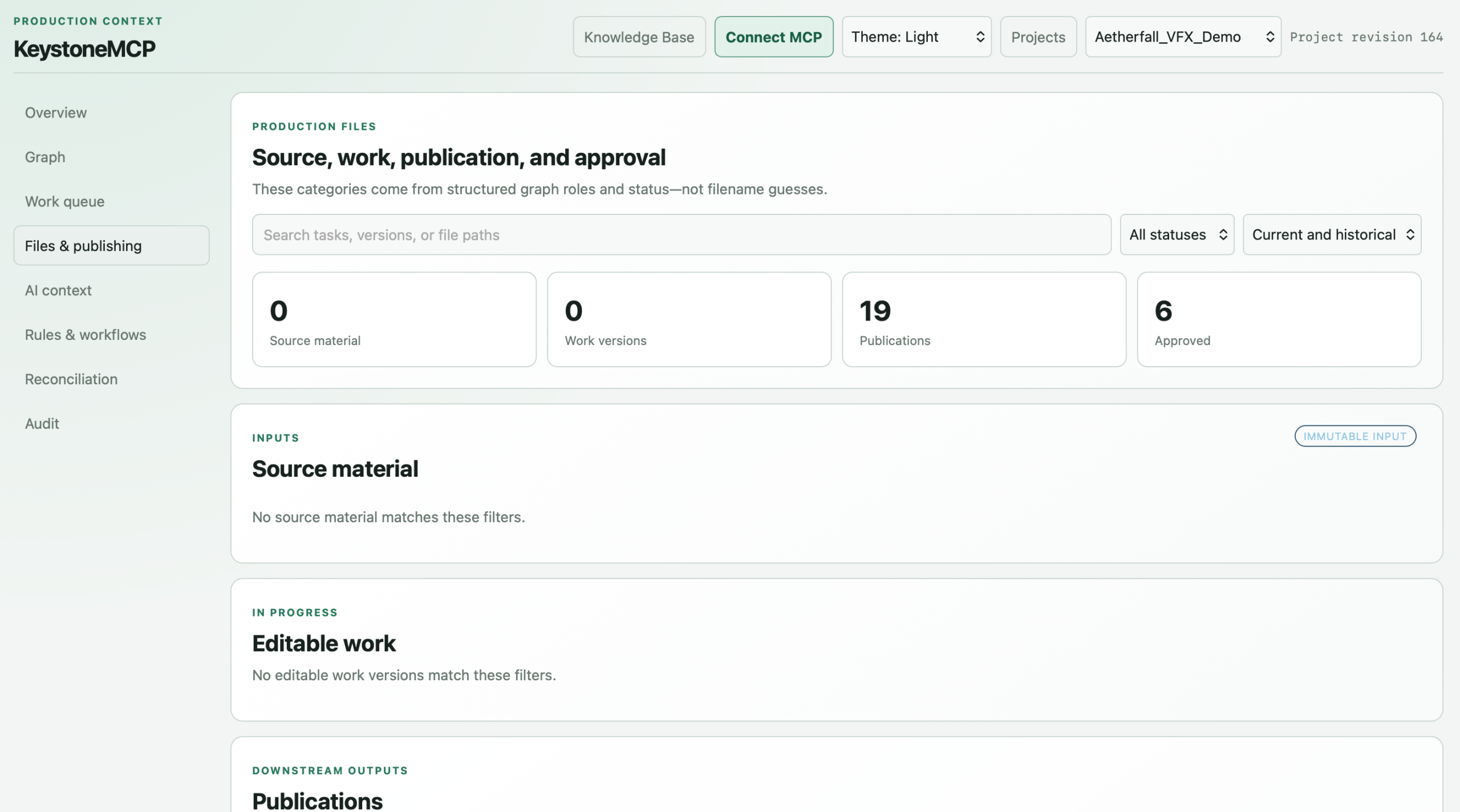
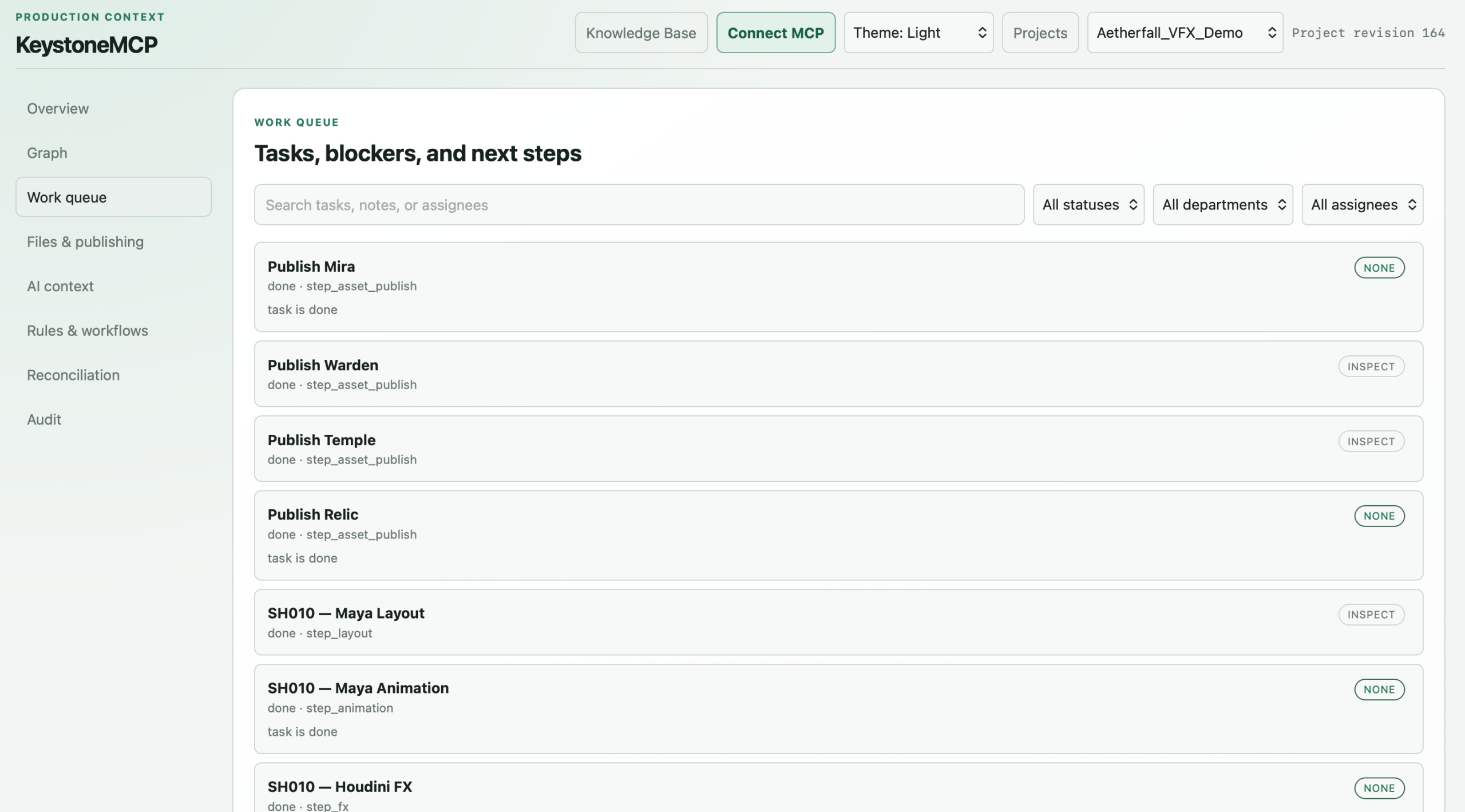
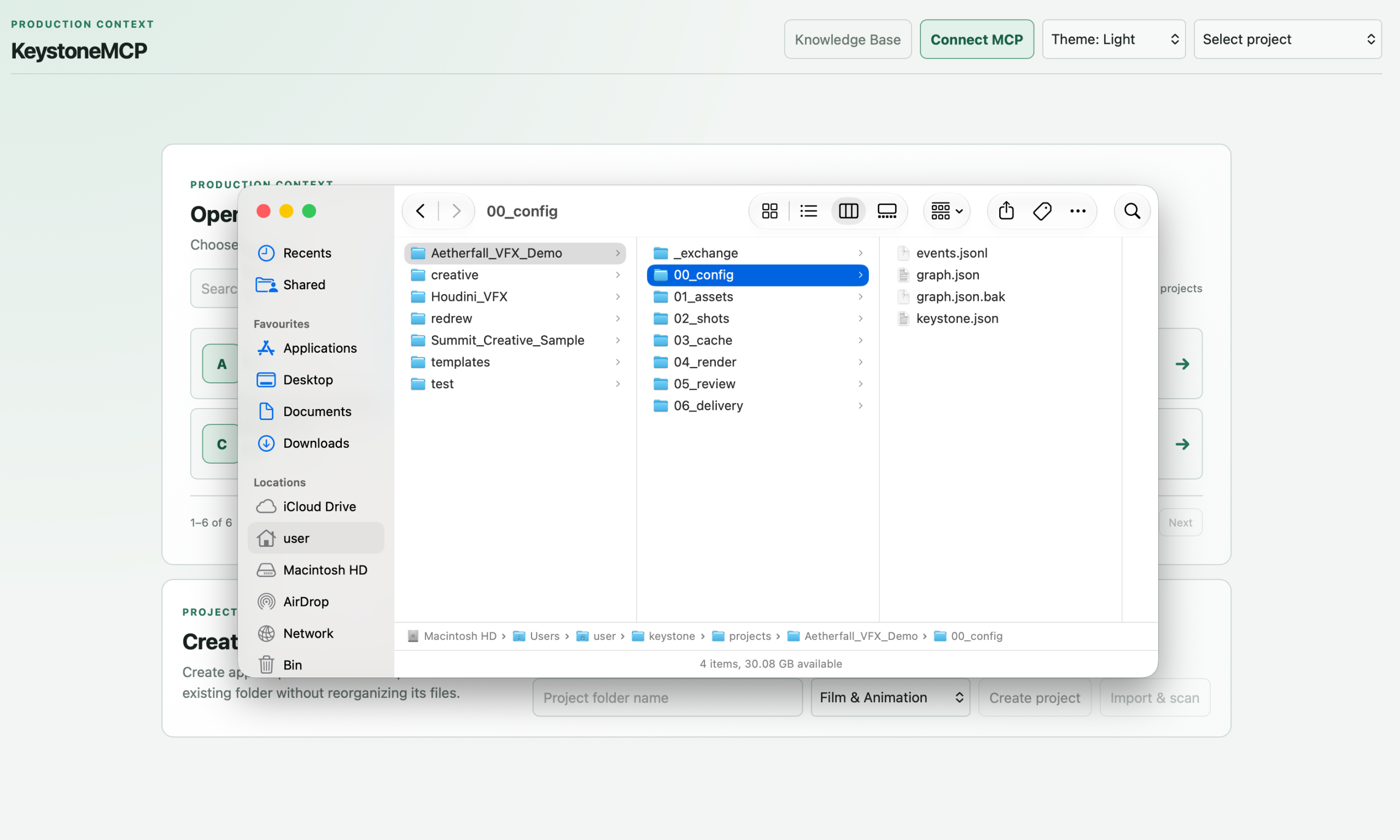
Production memory for creative tools
MCP servers can help assistants work with software such as Houdini, Maya, Nuke, Blender, and ComfyUI. However, access to a creative application does not give the assistant much understanding of the wider project.
It may know how to create something in Houdini, but not which asset or shot it belongs to, which input version is current, where the working file should be saved, or what downstream work depends on it. Important context can also be lost between sessions.
KeystoneMCP provides that missing project layer. It keeps structured, persistent production state so your assistant can understand the project before using your creative tools.
What it does
KeystoneMCP helps your assistant understand:
- Which projects, assets, shots, deliverables, and tasks exist
- Which versions are current or approved
- What depends on what
- Which work is blocked or ready
- How project folders should be structured
- Where source, work, review, publication, and delivery files should be saved
- What the next valid production step is
- What could be affected when something changes
Your assistant can consult KeystoneMCP for project context, use a creative-tool MCP to perform the work, and then record the result back into the project state.
Less housekeeping, more creative work
KeystoneMCP is intended mainly for solo artists and small creative projects that do not already have a large studio pipeline.
It automates some of the repetitive organisation around creative work, including folder creation, file placement, version tracking, dependency checks, approvals, and carrying context between sessions. The goal is to give artists more time to focus on the art.
It does not replace artists, make creative decisions, or attempt to automate an entire studio. It is also not a chatbot, generic MCP aggregator, or full ShotGrid replacement.
Key features
- Persistent project state across sessions
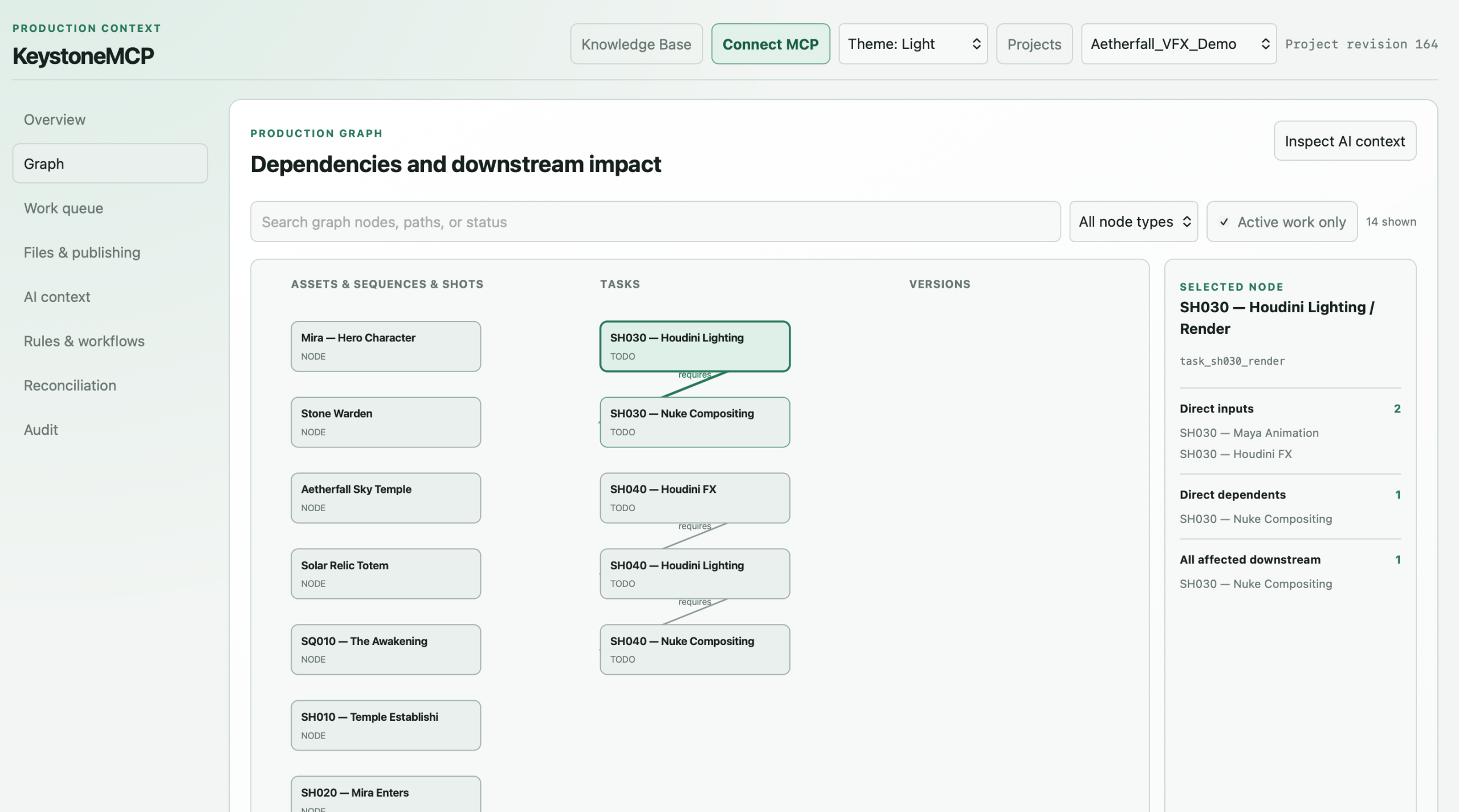
- Structured production graph
- Assets, production units, tasks, versions, and dependencies
- Current and approved version tracking
- Workflow templates and recommended next actions
- Preflight checks and task blockers
- Downstream impact analysis
- Naming and path rules
- Source, work, review, publication, and delivery file roles
- Action and audit history
- Film & Animation profile
- Game Development profile
- Creative Production profile
- Project creation and existing-folder import
- Local filesystem, external drive, and mounted NAS support
- Browser-based production console
- Local stdio MCP connection
- Authenticated remote MCP access for trusted local networks
What you need
- Python 3.11 or newer
- Node.js 18 or newer
- An MCP-compatible client such as Claude or Codex
- macOS or Linux. Windows currently requires WSL
Quick installation
Download and extract KeystoneMCP, open Terminal in the extracted folder, and run:
./keystone setup
./keystone startOpen http://127.0.0.1:8765 in your browser, then select Connect MCP for setup instructions for your client.
Local-first project storage
KeystoneMCP stores portable project metadata inside each project folder. Projects can live locally, on an external drive, or on a mounted NAS.
Your project state remains under your control. KeystoneMCP does not independently send your production data to Joseph Bishop. Information supplied to your chosen assistant may be processed according to that provider’s privacy policy.
Launch availability
KeystoneMCP is free to claim during the initial launch period for eligible indie users and businesses earning less than $150,000 USD in annual gross revenue.
Anyone eligible who claims it during this period keeps permanent access to that version. After the launch period, KeystoneMCP will move to a low-cost annual Indie licence. Commercial licensing is available for studios, teams, institutions, multi-seat deployments, and businesses above the revenue threshold.
For support, commercial licensing, or other enquiries, contact contact@joebishopvfx.com.
Copyright © 2026 Joseph Bishop. All rights reserved.